Try to use the ink printing mode of economy, generally speaking, we don't need very fine print, as long as we can see clearly. The print icon and text or customer requirements about the quality of the finished product is not high, under the condition, we can choose "fast printing" model, this model lower figure quality considerably increase the printing speed, in the customer does not require the drawing quality and precision of the case is a kind of very good ink saved way to raise efficiency of printing. So when printing, according to customer demand, choose production mode, quality mode, high-precision mode.
2. Cleaning the printhead correctly and using high quality ink
The piezoelectric printer generally has automatic cleaning function, and the cleaning nozzle is the most consumed of ink. Remember that print state diagram after a moment of the cleaning , just finished cleaning and then print the state diagram is easy to break, and then cleaning, then immediately to print such a state diagram,just a "dead cycle" consumption of ink.
Xenons printer adopts R-pump cleaning,which is more saving ink than diaphragm pump.
Selected good quality and well compatible ink is also a efficiency way to save ink.Good quality ink is not only colorful,but also high precision output.So suggested users use original ink of manufacture.
By this way,Not only make the image color effects to achieve a satisfactory effect, also can be more effective to protect of printhead, reduce the possibility of head and tube plugging, avoid printhead broken need much more ink to clean.Because cleaning printhead is waste of ink,try your best to reduce the time of cleaning,and prevent plugging are also good ways to save ink.
3. Try your best to reduce opening and closing times
Make the printing tasks together can save ink consumption. For every startup, the printer will initialize and the automatic cleaning printing head, then full-fill the ink delivery system, which will require a large amount of ink. Therefore, you should try to print the printing work together and not switch the machine in the middle-time.
 破局当下・智印未来 | 武汉亿力・Coltex 翔彩直击纺织行业痛点,以数码科技赋能产业突围
 WEPACK 2026:亿力电子包装数码印刷完满收官
 智印未来,包装焕新 | 亿力电子邀您共赴 2026 WEPACK 世界包装工业博览会展会预告
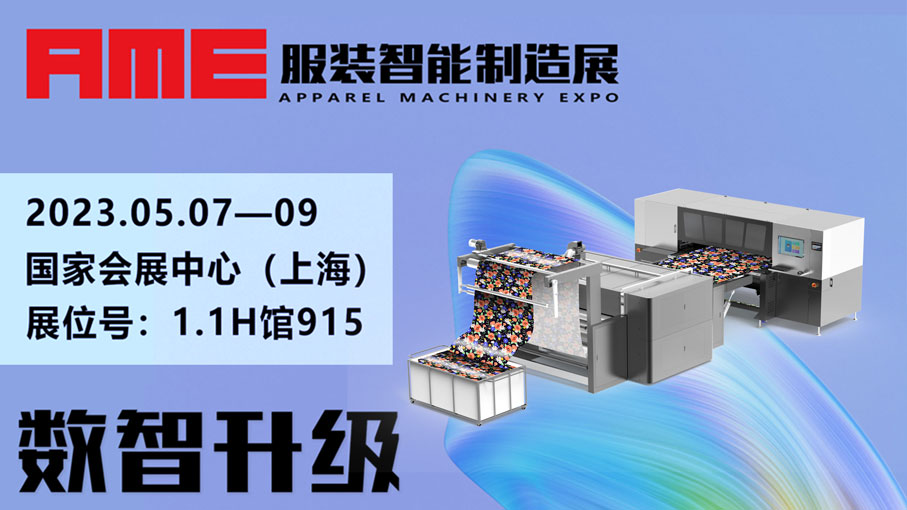 强渗透数码直喷解决方案,Coltex邀您莅临“AME展”品鉴

 English
 简体中文
